Website Security Basics Every Business Owner Must Know
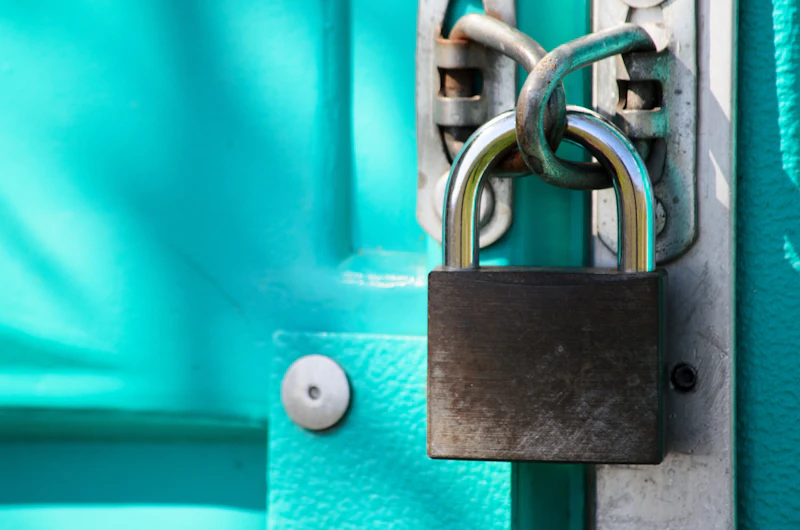
You don't need to be technical to protect your website. HTTPS, backups, updates, and a few habits stop most attacks. A plain-language security guide for Indian business owners.
By Autobac Team — Editorial Team · July 27, 2026
Website security sounds like a problem for big companies with IT departments. It is not. Most attacks on small business websites are automated — bots crawling the internet looking for any site with a weak password or outdated software, then breaking in without a human ever choosing you as a target. Being small does not make you safe; it often makes you easier. The good news is that you do not need to be technical to shut the door on the vast majority of these attacks. A handful of basics does most of the work.
Why This Matters for Your Business
A hacked website is not just a technical headache. It can quietly redirect your customers to spam, steal enquiry or payment data, get your site blacklisted by Google so it vanishes from search, and destroy the trust you spent years building. Recovering from a hack costs far more time and money than preventing one. For an online store, downtime is lost orders; for a service business, a "Not Secure" warning sends customers straight to a competitor.
Security is like a lock on your shop. You do not install it because you expect a specific thief — you install it because leaving the door open is an invitation to every passing one.
The Non-Negotiable Basics
These four items stop the overwhelming majority of common attacks. If you do nothing else, do these.
- Use HTTPS everywhere. This is the encrypted padlock connection. Browsers now flag sites without it as "Not Secure", which frightens customers away, and it is mandatory anywhere you collect enquiries or payments. The certificate is usually free through your hosting — there is no excuse not to have it.
- Keep everything updated. Most WordPress and plugin hacks exploit known weaknesses that were already fixed in an update the owner never installed. Outdated plugins and themes are the single most common way small sites get compromised. Update promptly, and remove plugins you no longer use.
- Take regular backups, stored separately. Back up your site at least weekly — daily if it changes often — and keep copies away from your hosting. A backup that lives only on the hacked server is no backup at all. Occasionally test that a backup actually restores.
- Use strong, unique passwords and enable two-factor authentication. "admin" and "password123" are the first things bots try. Use a password manager, give staff their own logins, and turn on two-factor authentication for your admin panel and hosting.
The Common Hacks to Understand
You do not need deep technical knowledge, but recognizing the usual threats helps you take them seriously:
- Brute-force login attacks: bots guessing passwords endlessly. Beaten by strong passwords, two-factor authentication, and limiting login attempts.
- Outdated plugin exploits: attackers using a known hole in old software. Beaten by keeping everything updated.
- Malware and defacement: injected code that redirects visitors or shows spam. Beaten by updates, backups, and a security scanner.
- Phishing through your forms: spam bots abusing contact or comment forms. Beaten by simple spam protection and validation.
- SQL and injection attacks: exploiting badly built code to reach your database. Beaten by having a properly built site in the first place.
A Few More Habits That Help
- Choose reputable hosting. Cheap, overcrowded hosting often skips basic protections and puts your site next to compromised neighbours.
- Add a security scanner or firewall so you are alerted if something is wrong rather than finding out from an angry customer.
- Limit who has admin access, and remove logins for staff and vendors who have left.
- Do not install plugins or scripts from unknown, unofficial sources — a common way malware sneaks in.
Security Starts With How the Site Is Built
Many security problems trace back to a poorly built or bloated website — dozens of unnecessary plugins, weak code, and a setup nobody maintains. A site built cleanly, on good hosting, with fewer moving parts, is simply harder to attack and easier to keep safe. That is how we approach every build in our website development service, with security treated as part of the foundation rather than an afterthought. For stores handling money, that discipline matters even more, which is why our ecommerce development work builds in secure payment handling from the start.
Your Simple Action Plan
You do not need to become a security expert. This week, confirm four things: your site has the HTTPS padlock, your software and plugins are updated, you have recent backups stored somewhere safe, and your logins use strong passwords with two-factor authentication. Those four alone put you ahead of most small sites and shut out the automated attacks that cause the most damage.
If you are unsure whether your site is properly secured — or you are still running on cheap hosting with a pile of outdated plugins — talk to Autobac. We will review your setup honestly and tell you what genuinely needs fixing, without scare tactics.
_Published July 2026._
Frequently Asked Questions
What is HTTPS and do I really need it?
HTTPS is the encrypted version of a web connection — it is what shows the padlock in the browser and stops others from snooping on data sent between the visitor and your site. Yes, you absolutely need it. Browsers now mark non-HTTPS sites as 'Not Secure', which scares off customers, and it is essential anywhere you collect enquiries or payments. The certificate is usually free through your host.
How often should I back up my website?
At minimum weekly, and daily if your site changes often or takes orders and payments. Crucially, keep backups stored somewhere separate from your hosting, and occasionally test that a backup actually restores. A backup you have never tested is a promise you have not verified.
Why do hackers target small business websites?
Most attacks on small sites are automated, not personal. Bots scan the internet for known weaknesses — outdated plugins, weak passwords, unpatched software — and exploit whatever they find. Being small is no protection; it often means fewer defenses, which is exactly what automated attacks look for.
My site was hacked — what do I do first?
Take it offline or into maintenance mode to protect visitors, change all passwords immediately, and contact your host, who can often help isolate the issue. Then restore from a known-clean backup and update everything before going live again. This is far easier if you had recent backups — which is why prevention matters so much.